Equipment Service History: A Practical CRM Workflow for Home Service Teams
Build This In Joby
A customer says the upstairs system is making the same noise again. Last year's invoice describes a repair, but the house has two similar units and neither record identifies which one received the part. Before the technician can prepare, someone must reconstruct the visit. Equipment service history prevents that confusion by connecting each finding to the specific item that was inspected or serviced.
You do not need to begin with a complicated asset database. A consistent equipment description, a dated service note, and a few relevant files can make the next visit substantially easier to prepare. The discipline matters more than the number of fields. This workflow explains what to capture, how to handle uncertain information, and how to keep history useful when a customer has several systems or locations.
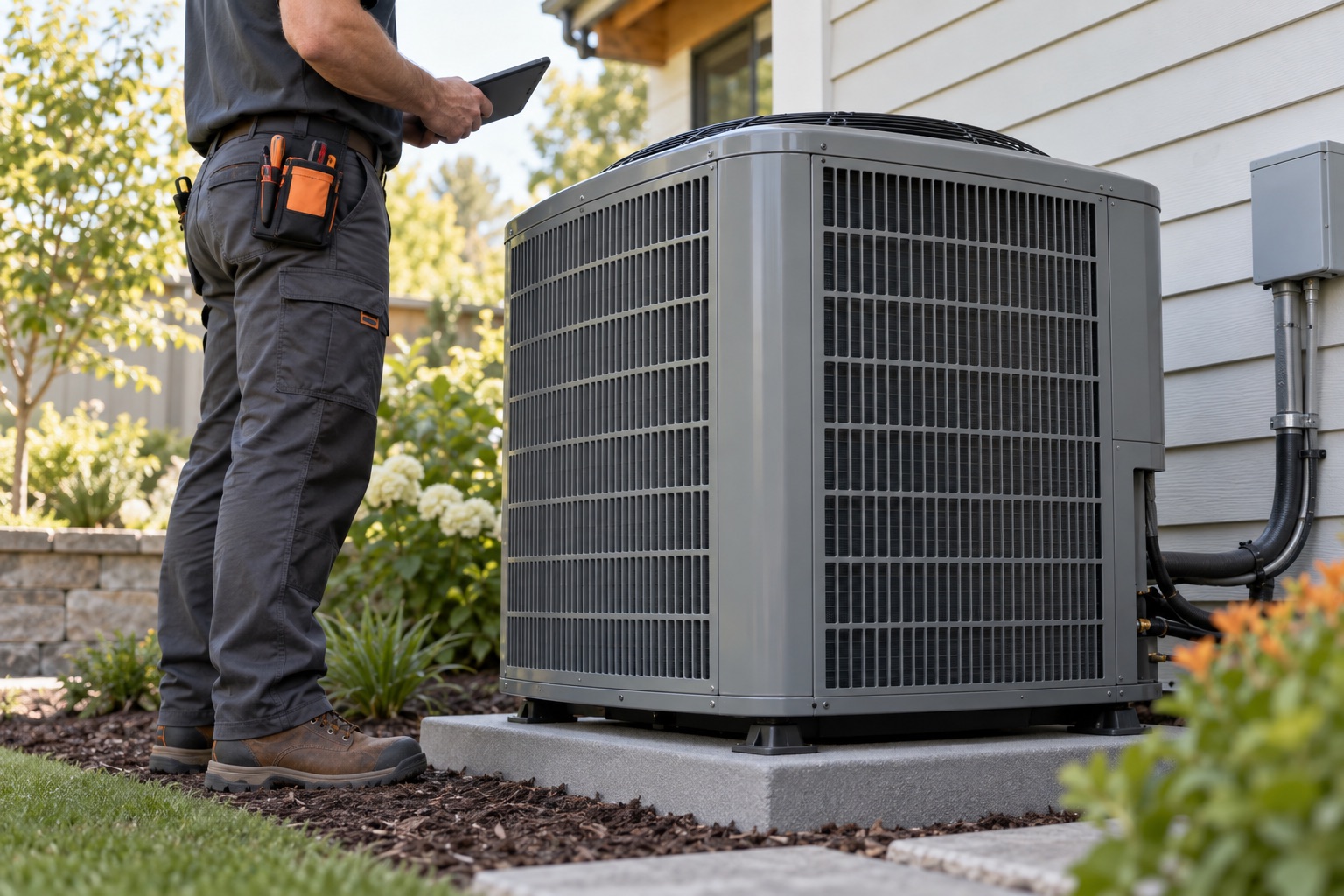
Identify the equipment before recording the work. Use a plain-language location and purpose, such as upstairs cooling system, basement water heater, or west garage door. Add manufacturer and model when verified. Record a serial number only when needed for identification or service, and distinguish a technician's observation from a customer's recollection. If a label cannot be read safely, mark the information unknown and assign verification to a suitable later visit. Do not guess to complete a field.
Keep the property and the equipment distinct. One customer may own several addresses, and one address may contain multiple units. Start each service note with the property reference and equipment label. For a duplex, include the correct unit. A phone number or customer name alone is not a reliable equipment identifier. Use the same label across the estimate, visit notes, and relevant attachments so the office can find the right history without interpreting shorthand.
Separate stable details from the visit record. Manufacturer, model, location, and a verified installation date belong in an equipment summary. The reported symptom, inspection date, findings, work performed, and remaining questions belong in a dated visit entry. If a later visit corrects an earlier model number, document the correction and its basis. Avoid silently rewriting old findings to make the history look consistent; an understandable correction is more useful than a polished but misleading record.
Capture the decision as well as the action. A note that says replaced component does not explain the original complaint, the observed condition, or the result of the visit. Use a short sequence: customer report, technician findings, approved work, completed work, outcome, and next step. Keep technical conclusions within the technician's qualifications. The office should preserve the evidence and wording, rather than turning an uncertain observation into a definitive diagnosis while summarizing the call.
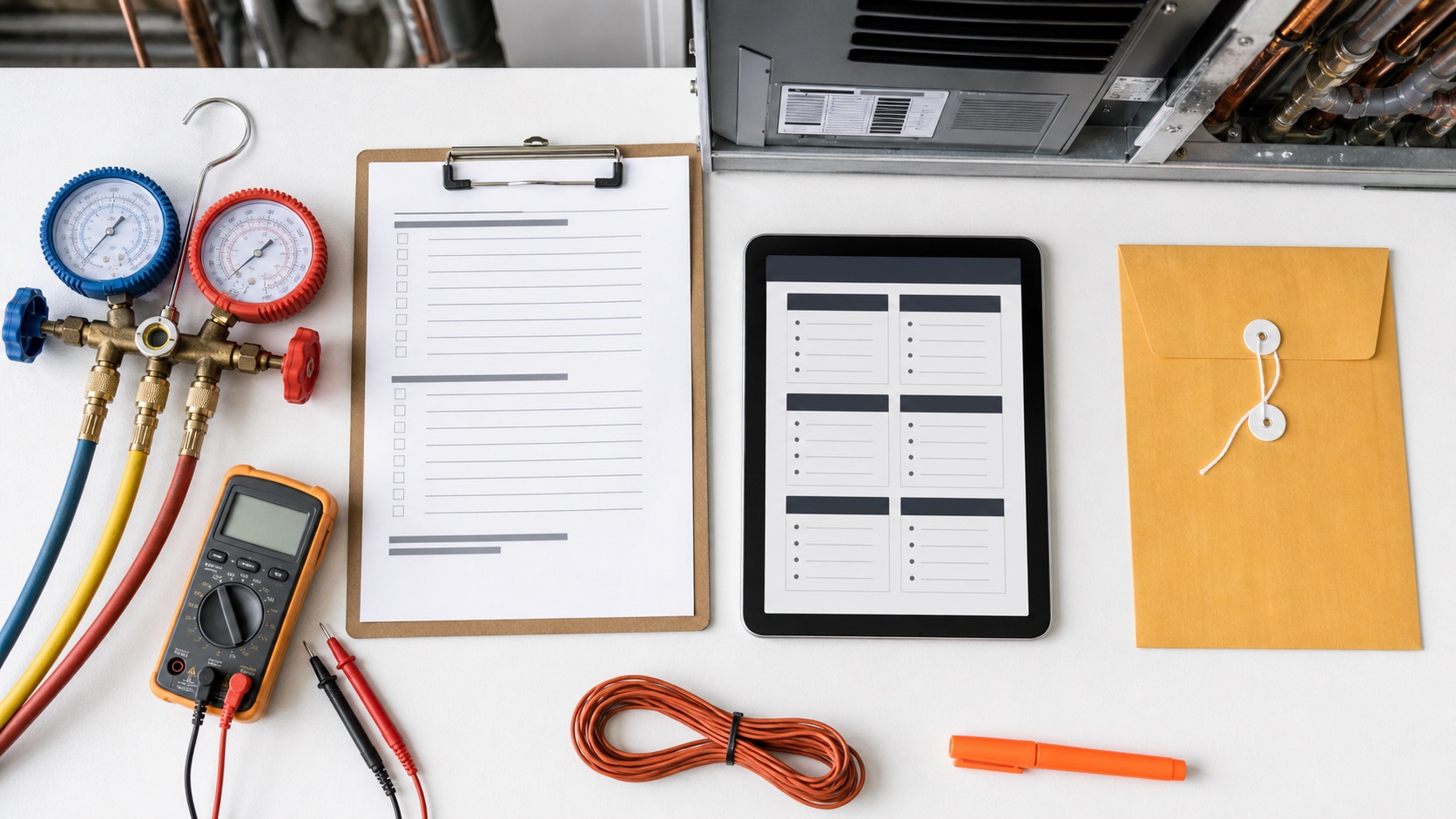
Make photos answer a question. A context photo can distinguish two similar units. A clear equipment-label photo can support later parts research. A relevant before-and-after image can document the work performed. Name or describe each attachment with the equipment label and visit date, and avoid collecting unrelated household details. More photos do not automatically create better history. Ask whether the next employee can tell what each image shows and why it belongs to this job.
Track recommendations separately from completed work. A technician may recommend a future repair that the customer has not approved. Record what was proposed, why, whether an estimate was sent, and who owns the follow-up. Never make the next technician infer approval from an old note. A useful summary might say that a replacement option was discussed, no decision was made, and the office will contact the customer next Tuesday. It should not read as if the replacement already happened.
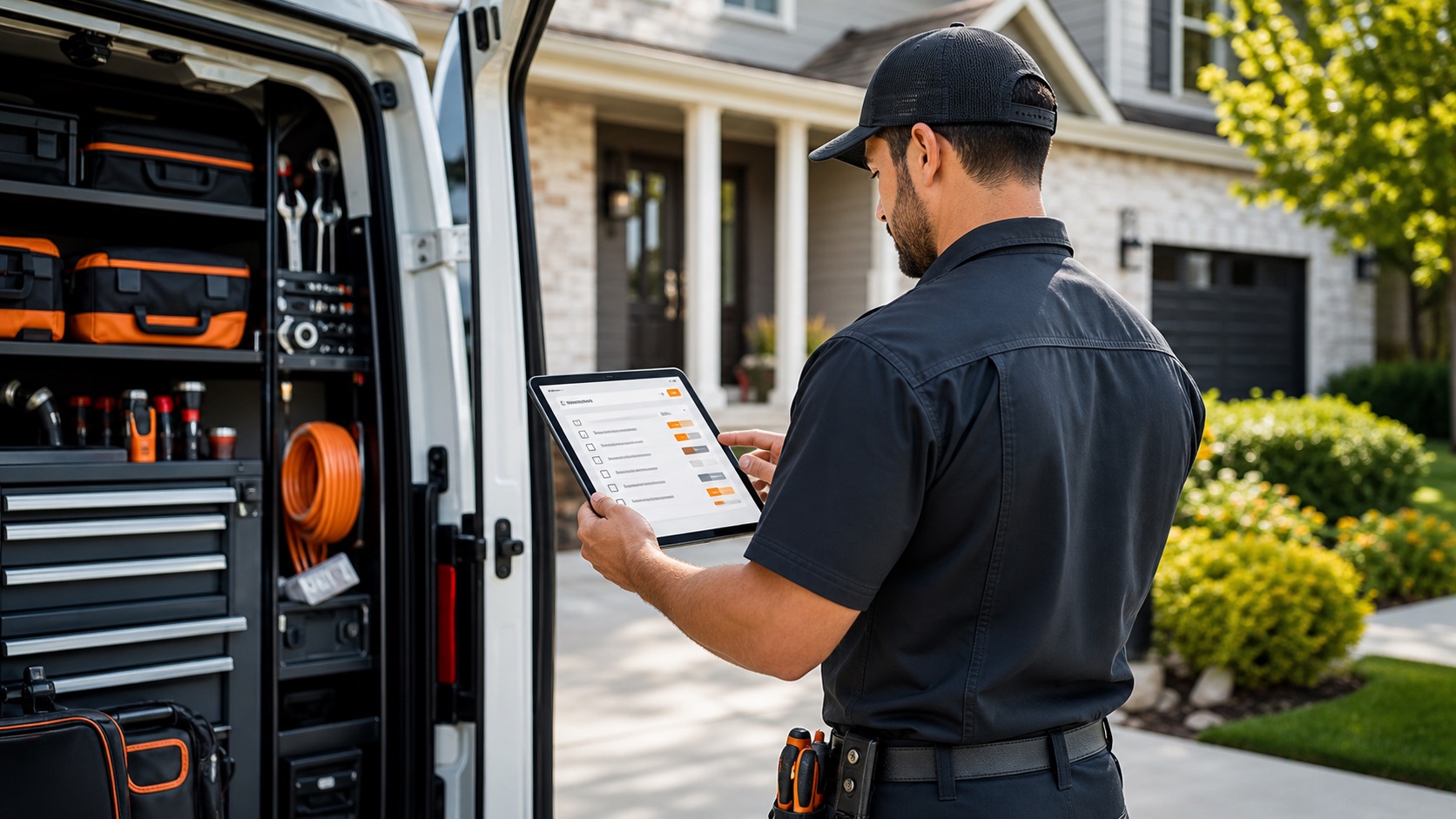
Prepare a short history brief before dispatch. Review the equipment label, most recent relevant visit, completed repairs, open recommendations, and any unresolved identification issue. Highlight what the technician needs to verify. Link or reference the underlying job records instead of pasting years of notes into the appointment. A brief should reduce preparation time while preserving a path back to the evidence. It is not a substitute for a fresh assessment of the current complaint.
Work through a two-unit example. A homeowner has upstairs and downstairs cooling equipment. In May, the team services the upstairs unit and records a recommendation for later review. In September, the customer reports a downstairs issue. The office confirms the location before booking, prepares the downstairs history, and leaves the upstairs recommendation attached to its own context. Without those labels, the team could bring the wrong background information and repeat questions the customer already answered.
Handle replacement as a new chapter. When equipment is replaced, preserve the old service history and record when the new unit entered service. Connect the installation documents and handoff information to the new equipment description. Do not simply overwrite the old serial number and leave all prior repairs appearing to describe the replacement. Where your record structure is limited, a clear dated note separating retired and current equipment is better than an ambiguous continuous history.
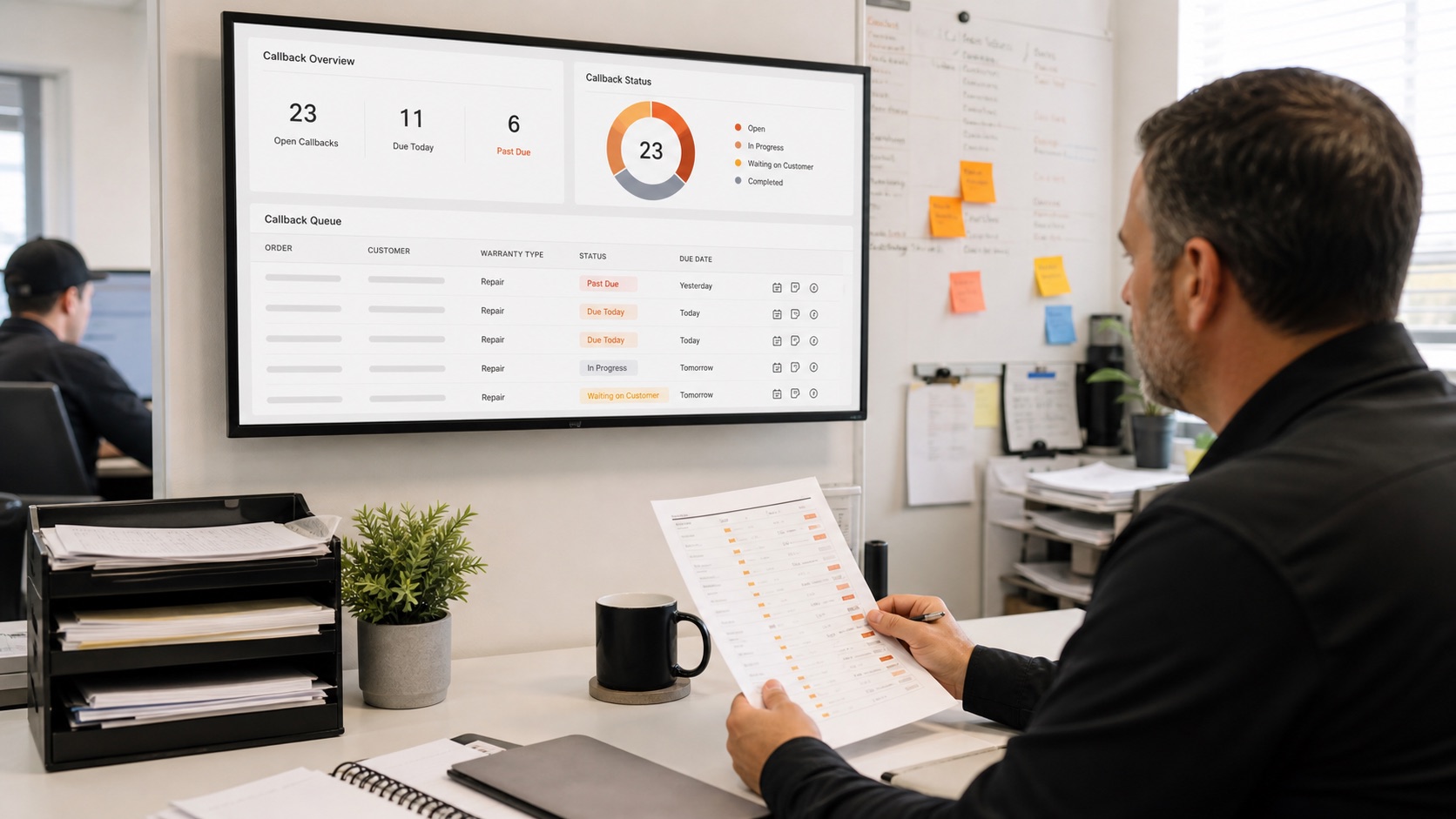
Use Joby for shared job context. Joby's lead records bring together the customer, service location, description, visits, files, and history described in its lead workflow. Use the available records to keep equipment labels and visit evidence consistent. This process does not assume a dedicated equipment registry or automatic matching of serial numbers. Choose a note convention your office and field team can maintain, and verify where each attachment is visible before relying on it for a handoff.
Audit usefulness rather than completeness alone. Review five recent jobs and ask another employee to identify the serviced equipment, work completed, and next action from the record. Count unresolved ambiguities and record why they occurred. A fully filled form can still be useless if it describes the wrong unit. Start with one equipment-heavy service category, refine the labels, and expand once the next technician can prepare without calling the previous one for basic context.