Customer Arrival Windows for Home Service: Set Expectations Without Promising a Live ETA
An arrival window is a customer promise about how the day will feel. If it is too broad, customers lose confidence. If it is too precise without reliable evidence, dispatch spends the day explaining delays. The goal is not to simulate a live ETA your team cannot support; it is to give a realistic window, a clear update rule, and one accountable owner when the plan changes.
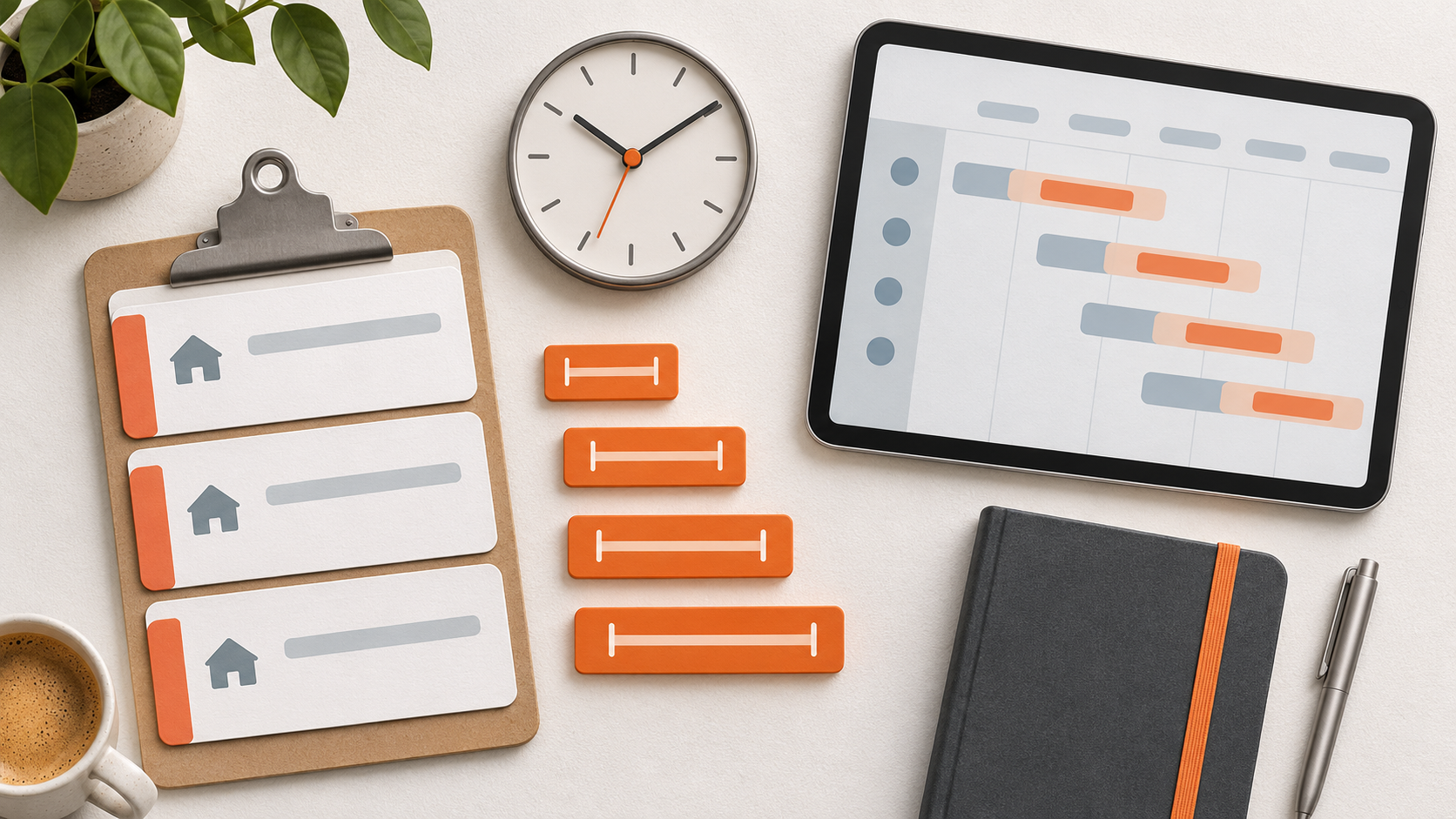
Build windows around actual work. Review recent appointment types, typical duration, travel variability, required parts, and the amount of buffer your team needs for urgent calls. An annual maintenance visit, a diagnostic call, and a replacement consultation should not inherit the same window by default. Start with a small number of appointment templates that reflect the way work really flows.
Say what the window means. A customer should understand whether it is the technician’s expected arrival range, a time someone must be available, or a time the office will provide a further update. Use the same wording in booking conversations, confirmations, and reminders. Avoid a precise arrival statement unless the team has verified that it is appropriate for that day’s route and workload.
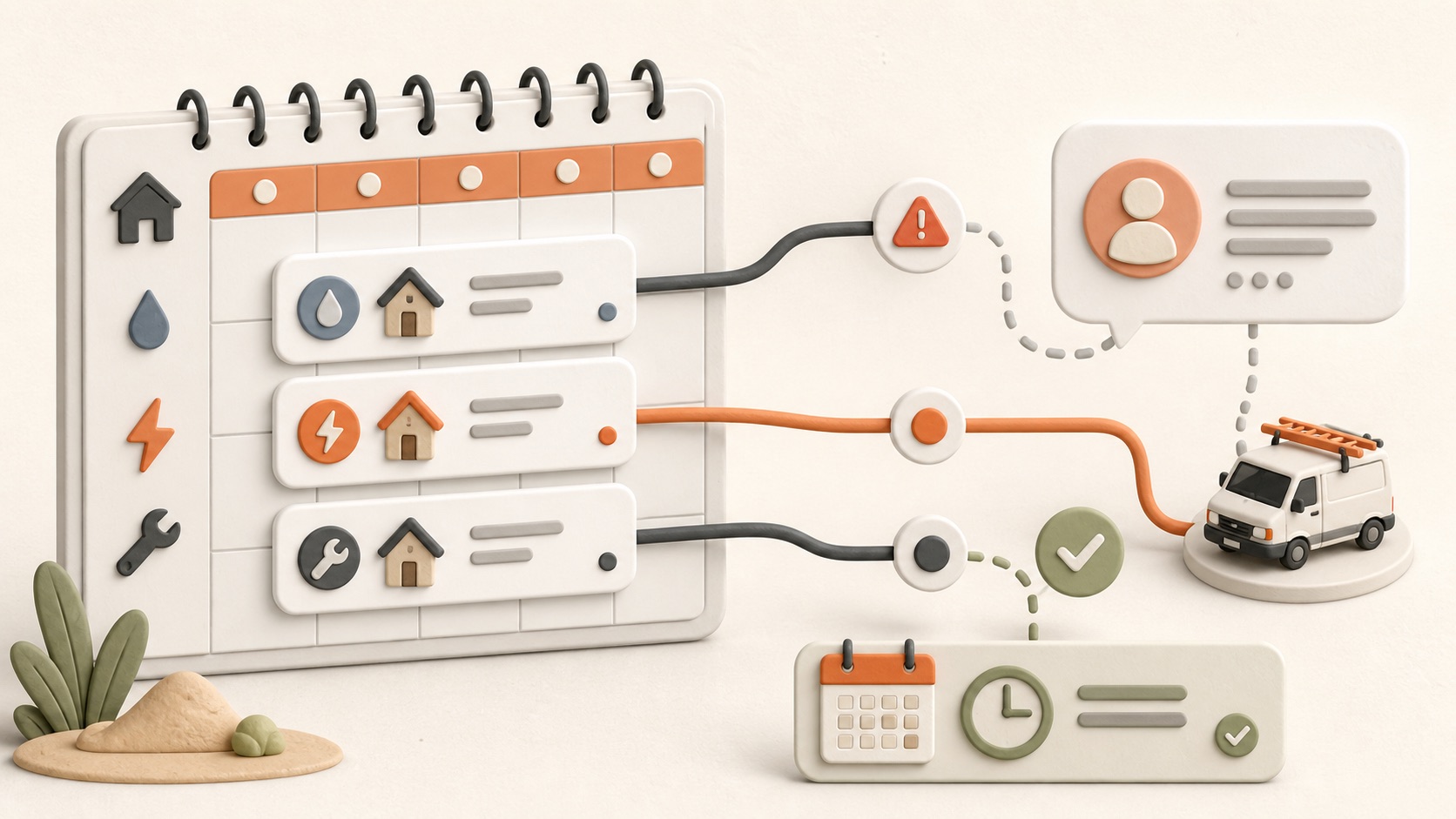
Define an update trigger. Decide what event calls for outreach: a prior job running beyond its planned duration, a part delay, weather, a technician absence, or a customer requested change. Assign the trigger owner and the message channel before the schedule gets busy. An update sent early and honestly is usually better than waiting until the customer calls for an explanation.
Keep the office and field on the same page. Joby can help teams keep appointments, job notes, customer communication history, assigned owners, and follow-up tasks together. That makes it easier to see the current plan and record what was communicated. It does not replace dispatch judgment, real-time location tracking, or a guarantee of live arrival estimates; your coordinator still needs to verify the situation before sending a promise.
Use exception notes that answer the next question. A vague note such as ‘running late’ creates more calls. Record the revised approved window or next update time, the reason at the right level of detail, the contact method used, and who owns the next check. Avoid sharing private details about other customers or technicians. The customer needs a reliable next step, not a full operational explanation.
Offer choices when possible. When a window becomes impractical, a small set of options can preserve trust: keep the revised time, move to another available slot, or receive a callback after dispatch confirms capacity. Do not present an option that the schedule cannot actually honor. For emergency or weather-sensitive work, communicate the priority policy clearly rather than implying every job can be moved immediately.
Review the gap between plan and experience. Track late-window contacts, reschedules, cancellation reasons, jobs that overrun their planned type, and repeat calls asking where the technician is. Segment the results by appointment type and service area before changing the whole schedule. The answer might be better buffers, a different booking script, clearer job scoping, or a tighter handoff from the field.
A reliable arrival-window workflow is a communication system, not a stopwatch. Customers benefit from practical expectations and timely updates, while dispatch gains a consistent way to make decisions under real-world uncertainty.