
Commercial Work Order and Purchase Order Workflow for Service Contractors
Build This In Joby
Commercial service work can stall even after the technician solves the problem. The site contact may approve the visit, purchasing may require a purchase order, and accounts payable may reject an invoice when supporting documents are missing. The operational job and billing job have to move together.
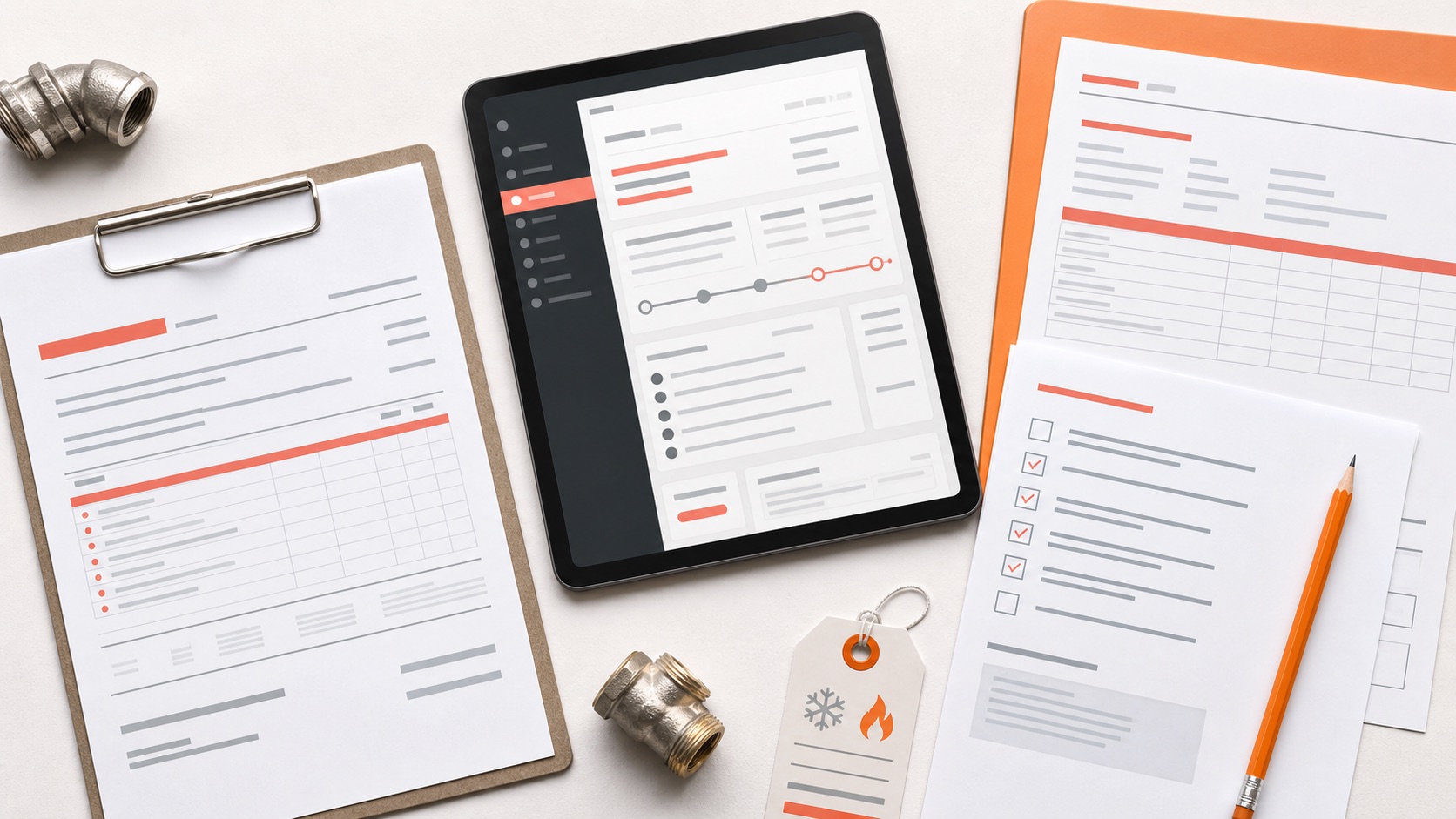
A strong work-order and purchase-order workflow creates one traceable chain from request to authorization, field completion, invoice package, and payment follow-up. It does not assume every customer uses the same rules, and it does not let a PO number substitute for a clear scope.
Build an account requirements profile. Record billing contacts, service locations, approved requesters, not-to-exceed limits, PO requirements, tax documents, invoice delivery method, portal instructions, and supporting attachments. Review the profile before accepting work, not after rejection.
Separate the customer's work order from your internal job record. Preserve the external work-order number and documents, then create the internal appointment or job with its own owner, status, scope, and notes. Cross-reference the identifiers without merging unrelated fields.
Verify authorization before dispatch. Confirm who requested the work, the covered location and equipment, spending limit, whether a quote is required, and what happens if the technician finds additional scope. Emergency exceptions should also be documented.
Give the technician a completion-proof checklist. Common requirements include arrival and departure time, asset identifier, diagnosis, work performed, materials, photos, site-contact acknowledgment, and remaining recommendations. Collect required evidence without exposing sensitive data unnecessarily.
Control scope changes in the field. If work exceeds the authorized limit, pause and obtain approval. Record the approver, time, revised amount or scope, and supporting estimate or change document. Verbal approval may not satisfy the customer's purchasing policy.
Assemble the invoice package before sending. Match the correct legal entity, location, PO, work order, dates, tax treatment, line-item format, and attachments. Check for missing PO numbers, exceeded limits, incomplete proof, and customer-specific portal steps.
Track rejection reasons and payment status. Use clear reasons such as missing PO, invalid location, duplicate invoice, scope mismatch, missing attachment, pricing dispute, or correction requested. Give every rejection an owner and next action.
How Joby supports the workflow. Joby connects customer and location records, appointments, estimates, documents, photos, notes, invoices, payments, communication, and tasks. Teams can keep the commercial handoff in one operating record while the business remains responsible for contract, tax, and accounting requirements.
The bottom line. Document the account rules, verify authorization, preserve both identifiers, collect field proof, and validate the invoice package. Commercial service becomes easier to scale when every handoff is designed before the first truck rolls.