
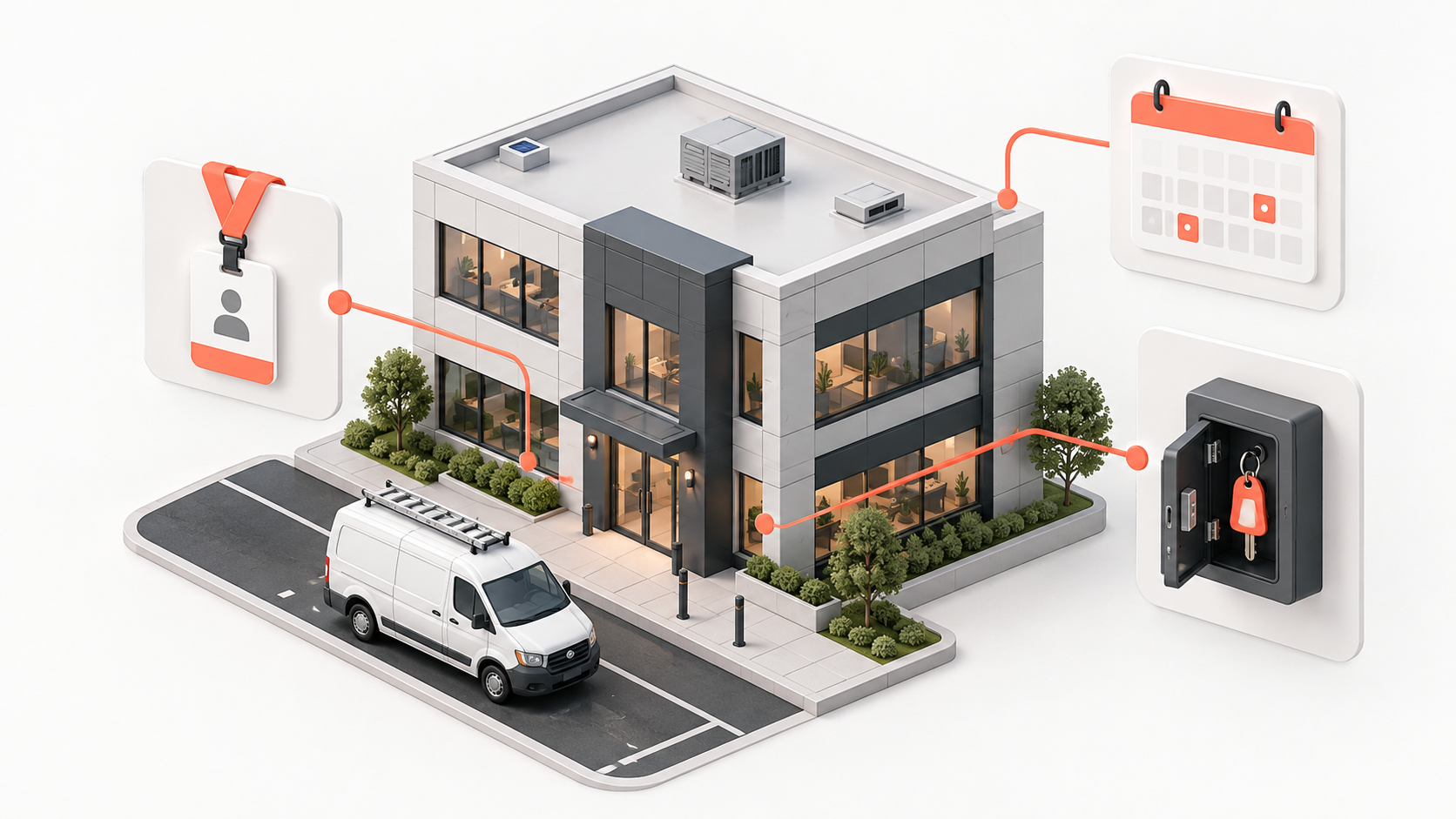
Commercial Service Access Coordination for Contractors
Commercial service work can fail before the technician opens a tool bag. A building may have a loading dock schedule, a security desk, a tenant contact, restricted equipment rooms, and a property manager who approved the work but will not be onsite. Access coordination turns those variables into a confirmed plan instead of a note that says call on arrival.
Treat access as a job dependency, not an afterthought. The goal is not to collect every detail about a property. It is to confirm the information the assigned technician needs to enter the right area safely, at the agreed time, while keeping sensitive access information limited to the people who need it.
Identify the access decision-maker. Record who can authorize entry, who will meet the technician, and who can approve changes if the named contact is unavailable. A tenant contact, facility manager, security desk, and property owner can each have different roles. Do not infer authority from whoever first requested the appointment.
Confirm the arrival route and window. Ask about parking, loading zones, sign-in, elevator reservations, service entrances, and after-hours rules before dispatch. A scheduled visit time can be accurate while the technician still misses the usable access window. If the job needs building engineering or tenant coordination, make that dependency visible to the dispatcher.
State the work area and restrictions. Include the suite, floor, equipment room, asset identifier when available, and any hours or safety procedures that change how the team works. Do not place door codes, alarm information, or other sensitive credentials in broad notes or customer-facing messages. Use your approved restricted channel and access policy for those details.
Create a short pre-dispatch confirmation. The day before or at the point appropriate to your service level, verify the appointment, access contact, entry procedure, work area, and any materials or escort requirement. A delivered reminder is not confirmation. If access remains uncertain, assign a person to resolve it before the technician spends travel time on a preventable failed visit.
Keep the job record usable. In Joby, retain the customer, appointment, job notes, tasks, and relevant files together so office and field teams can reference the same context. Keep only the information your team needs, use appropriate permissions, and update stale instructions. This does not assume that Joby automatically manages building credentials, routes technicians, or verifies live access.
Define the no-access response. If the technician cannot enter, have a simple sequence: contact the assigned person, document the time and attempted channel, protect the next appointment, and return the scheduling decision to the office. Do not ask the technician to negotiate commercial terms or disclose sensitive access details just to force entry.
Close the loop after the visit. Record whether access worked as planned, what changed, and whether a future visit needs a different window or escort. This turns an individual technician's experience into reusable account knowledge. It also helps distinguish an access failure from a technical return visit when reporting on repeat appointments.
Start with the properties that generate the most failed arrivals or long check-in delays. A compact access brief and confirmed owner will do more for reliable commercial service than another vague arrival instruction. The result is better preparation for the field team and fewer surprises for the people responsible for the building.