
Home Service Morning Huddles: A 15-Minute Agenda That Protects the Day
Run a focused morning huddle that surfaces schedule risk, customer commitments, safety concerns, and ownership before technicians leave the yard.
Mobile Apps
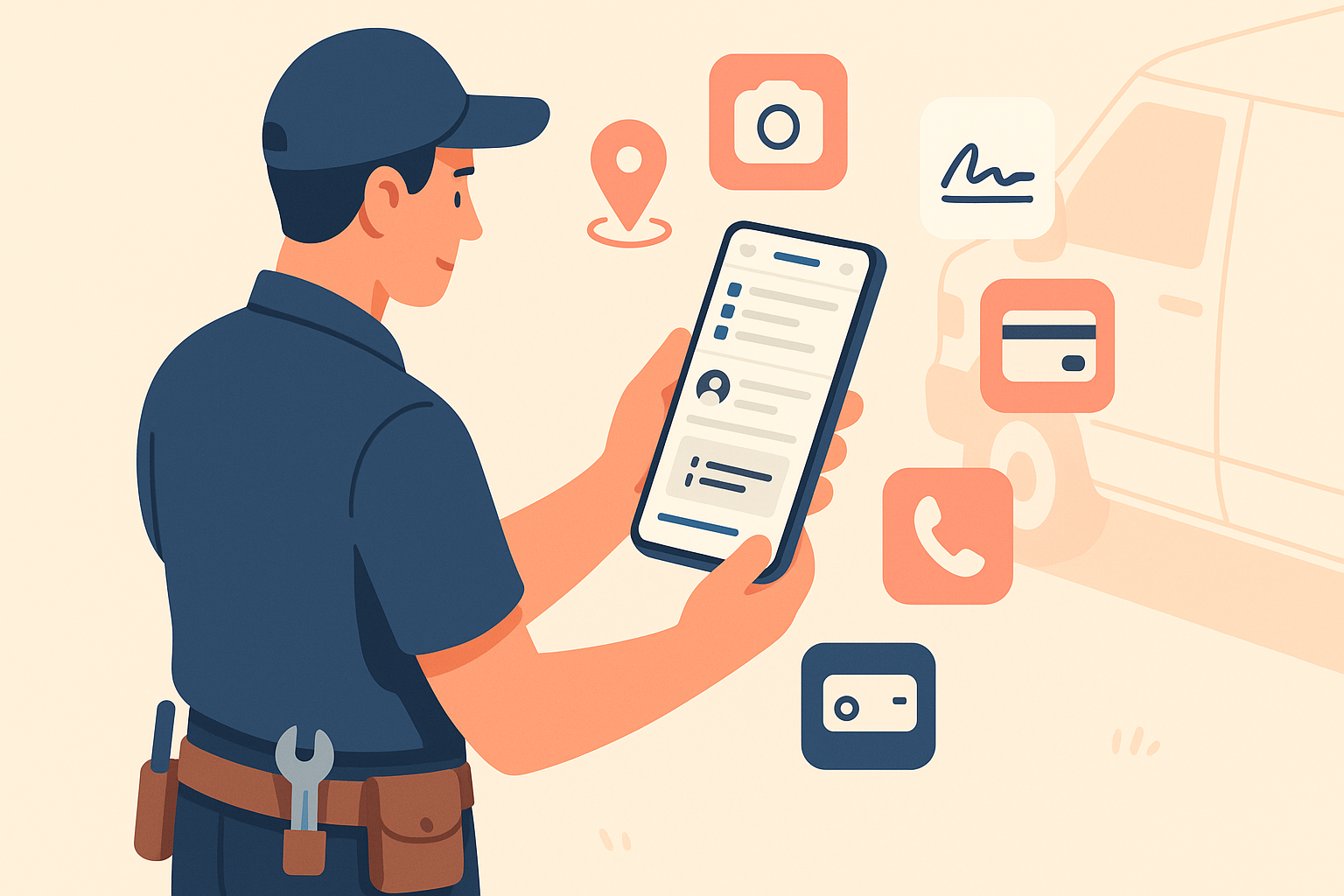
For a home-service technician, the mobile app isn't a feature — it's the job. They open it the moment they wake up to see today's route, they live in it through every appointment, and they close it when the last invoice is signed in the evening. If the app is slow, broken, or missing a feature they need in the field, they will quietly go back to texting the office and writing notes on paper. Within a month your CRM data is unreliable, and within three months your team has 'unofficially' stopped using the system you pay for. Picking the right field service mobile app is one of the highest-leverage software decisions a service business will make in 2026.
This guide covers what a modern field service mobile app should do, the features most apps still get wrong, native vs hybrid trade-offs, the offline-mode question, the often-overlooked phone-system-on-mobile feature, and how to evaluate any app honestly before you commit. It's written for owners and dispatchers — not engineers — so you can demo three platforms next week and pick the right one with confidence.
What a field service mobile app actually is. A field service mobile app is the technician's primary interface to the business: their schedule, their job details, customer history, navigation, photos, signatures, time tracking, payment collection, parts lookup, communication with dispatch, and increasingly, the phone they use to call customers. The bar in 2026 is high — anything less than a full operating system for the workday feels obsolete the moment a tech tries it.
1. Today's schedule, the right way. When a tech opens the app in the morning, the first screen should answer one question: what am I doing today, and where? That means a clean list of jobs sorted by time, with addresses, customer names, job type, estimated duration, and travel time between stops. Tap any job to see full details. Bonus points for an automatic morning summary — 'You have 5 jobs today, total drive time 2h 15m, first stop 8:30 AM at the Andersons'.' Sounds simple; very few apps actually nail it.
2. Real navigation that doesn't lie. The app should hand off to the tech's preferred navigation app (Apple Maps, Google Maps, Waze) with one tap and an accurate address. Sounds basic — but you'd be surprised how many field apps store addresses as free-text and produce garbage for the navigator. The right behavior: structured address fields, reliable geocoding, and a 'directions' button that always opens the right place.
3. Click-to-call and click-to-text the customer. Every customer phone number should be a tap-to-call link, and every job should expose a 'text customer' button. Bonus: the call should route through your business number (so the customer's caller ID shows your business, not the tech's personal cell), with the call recorded and logged to the job automatically. Apps that force the tech to copy-paste a number into their phone dialer are wasting hours of cumulative time per week and producing zero call records.
4. Job photos and customer signature capture. The app should make it dead simple to take before-and-after photos at the job site, attach them to the work order, and capture a customer signature on the screen for completion. The photos should sync automatically when the tech regains signal — not require a manual upload step the tech will forget. Photo quality matters too: full-resolution storage with auto-compression for upload preserves the originals for warranty disputes years later.
5. In-the-field payment collection. The app should let the tech swipe a card, tap a phone-as-terminal, or send the customer a payment link via SMS — all from inside the job record. Stripe Tap to Pay and similar tech mean a $0 hardware investment to take cards in the field. Skip this and your AR (accounts receivable) bloats; customers who pay at the curb pay 3x faster than ones who wait for a mailed invoice.
6. Offline mode that actually works. This is where most field apps quietly fail. Techs often work in basements, mechanical rooms, rural service areas, and cell-dead pockets. The app needs to work fully offline — load today's jobs, allow status updates, capture photos and signatures, and queue everything for sync when signal returns. 'Offline mode' that just shows a spinner is not offline mode. Demo this specifically before buying: turn airplane mode on and try to complete a job end-to-end.
7. Quick estimate and invoice creation in-field. A tech who can write an estimate or invoice in 60 seconds at the customer's curb closes more revenue than one who has to call the office. The mobile estimate flow should let the tech pick from a saved pricebook, add line items quickly, apply tax, and generate a customer-ready PDF. Invoicing should mirror this. Hidden inside this feature is a culture shift: when techs can write their own estimates, they start upselling — because they're empowered to.
8. Time tracking that doesn't require remembering. Manual 'I started at 9:14 and stopped at 11:42' time entry is unreliable and the data is garbage by the end of the week. The app should auto-clock the tech in when they mark a job 'on the way,' auto-clock-out when they mark it complete, and capture GPS at both moments for verification. Manual override exists for edge cases. Done right, payroll and labor cost reporting becomes accurate without any extra effort.
9. The phone system on mobile — the most underrated feature in 2026. This is where modern apps separate from legacy ones. A real field service mobile app should include a full softphone — meaning the tech can make and receive calls on the business phone number from inside the app, with push notifications when a call comes in, even when the app is closed. This means: no more giving customers personal cell numbers, no more 'I don't know who called me back from a random number,' no more lost call logs. Joby's iOS and Android apps include a real Twilio-powered softphone for exactly this. Housecall Pro (Voice) and ServiceTitan (Phones Pro) sell in-app business calling as paid add-ons, and calls from the Jobber app go through the phone's own dialer.
10. Push notifications that respect the tech's time. Notifications should be useful and rare. Useful: 'New urgent ticket assigned to you,' 'Customer texted about today's appointment,' 'Job rescheduled to tomorrow.' Useless: every status change of every other job in the system. Apps that spam push notifications get notification permissions revoked within a week, and then your dispatch alerts go silent.
Native vs hybrid apps — does it matter? Native apps (built specifically for iOS/Android using Swift and Kotlin) feel faster, support better push notifications, work better offline, and integrate with phone OS features like Tap to Pay and contacts. Hybrid apps (web-based wrappers, often built with React Native, Flutter, or Capacitor) are cheaper to maintain and ship updates faster, but the trade-off shows up in performance and battery life. The honest 2026 answer: a well-built React Native or Capacitor app is good enough for most field service workflows, and the speed advantage of fully native rarely matters in practice. What does matter is whether the app actually has a real native softphone, native camera handling, and offline storage — those features are hard to build in any framework and most teams skip them.
The Housecall Pro app — the polished standard. Housecall Pro's mobile app sets the polish bar in the small-business segment. Clean UI, fast onboarding, decent offline support. Weaknesses: business calling and call recording need the paid Voice add-on, limited custom workflow automation, and the larger your team gets the more you feel the lack of dispatch flexibility. Strong choice for 1-5 person teams that prioritize app polish above all else.
The Jobber app — strong office-side, weaker field-side. Jobber's mobile app is good but feels like a companion to the web app rather than the primary surface. Estimate-to-invoice flow is the cleanest in the industry. Weaknesses: Jobber does not sell a business phone system, so calls from the app go through the phone's own dialer, slightly less polished UI, recurring-job UX is great but dispatch UX is rougher. Good fit for teams where the office staff lives in the web app and techs use the mobile app mostly for job updates and signatures.
The ServiceTitan app — feature-rich but heavy. ServiceTitan's mobile app has the most features in the category — pricebook, parts lookup, multi-tier pricing, financing flows. In our experience it's also heavier and takes longer to train new techs on. Best for established 20+ tech shops that have the bandwidth to train staff and want every feature available.
The Joby app — designed for phone-heavy operations. Joby's iOS and Android apps are built around the assumption that techs and dispatchers spend most of their day on the phone. Real Twilio-powered softphone with push notifications, full call logs and recordings tied to leads, click-to-call from every record, in-app SMS on the business number, native camera and signature capture, offline mode for the full daily workflow, and full estimate/invoice/payment flows in-field. Designed for service businesses where the phone is the lifeblood — roofing, locksmith, garage door, HVAC, plumbing, auto transport. See the mobile app product page for full specs.
How to actually evaluate an app before buying. Skip the marketing pages. Run this checklist on a real demo: (1) Install on a real phone — not just the demo video. (2) Turn airplane mode on and try to complete a full job (open it, add notes, take a photo, capture a signature, mark complete). (3) Have an actual technician — not a manager — try the app for an hour and tell you if it gets in their way. (4) Check the App Store and Play Store ratings, then read the most recent 1-star and 2-star reviews to see real complaints. (5) Ask the vendor what version of iOS and Android they support, and how often they ship updates (anything less than monthly is a red flag).
What makes techs actually adopt an app. This is the part most owners underestimate. Techs adopt apps that save them time, not apps that produce the cleanest data for the office. If the app makes their day faster — fewer phone calls to dispatch, less paperwork, faster payments collected — they will use it religiously. If it adds steps to their day to satisfy the office, they will silently work around it. The field service mobile app market in 2026 is finally starting to get this right; the apps designed for techs first beat the apps designed for compliance every time.
Bottom line. The field service mobile app is the single most-used surface in your business. A good one makes techs faster, customers happier, and data more accurate without anyone having to think about it. A bad one quietly degrades into shadow systems — paper notes, personal text threads, lost photos, missing call records. Demo at least three apps before committing, run them on real phones in real conditions, and weigh the phone-system-on-mobile feature heavily if you're in any business where the phone is the primary customer touchpoint. The right app pays for itself in a month; the wrong one costs you for years.
Keep Reading
Three tighter next reads, matched to the workflow or feature you are already looking at.

Run a focused morning huddle that surfaces schedule risk, customer commitments, safety concerns, and ownership before technicians leave the yard.

Build a clear escalation matrix for plumbing calls so dispatchers can distinguish emergencies, same-day requests, scheduled repairs, and owner decisions.

Use a documented roofing final walkthrough to confirm scope, cleanup, photos, customer questions, and any open items before requesting final payment.
14-day free trial. Credit card required. Cancel anytime.
We use cookies to improve your experience. Privacy Policy